{% extends "book_outlet/base.html" %}

{% block title %}
    All Books
{% endblock %}

{% block content %}
    <ul>
        {% for book in books %}
            <li>{{ book.title }} (Rating: {{ book.rating }}) </li>
        {% endfor %}
    </ul>
{% endblock %}
index.html
from django.shortcuts import get_object_or_404, render
from django.http import Http404

from .models import Book

# Create your views here.

def index(request):
    books = Book.objects.all()
    return render(request, "book_outlet/index.html", {
        "books": books
    })

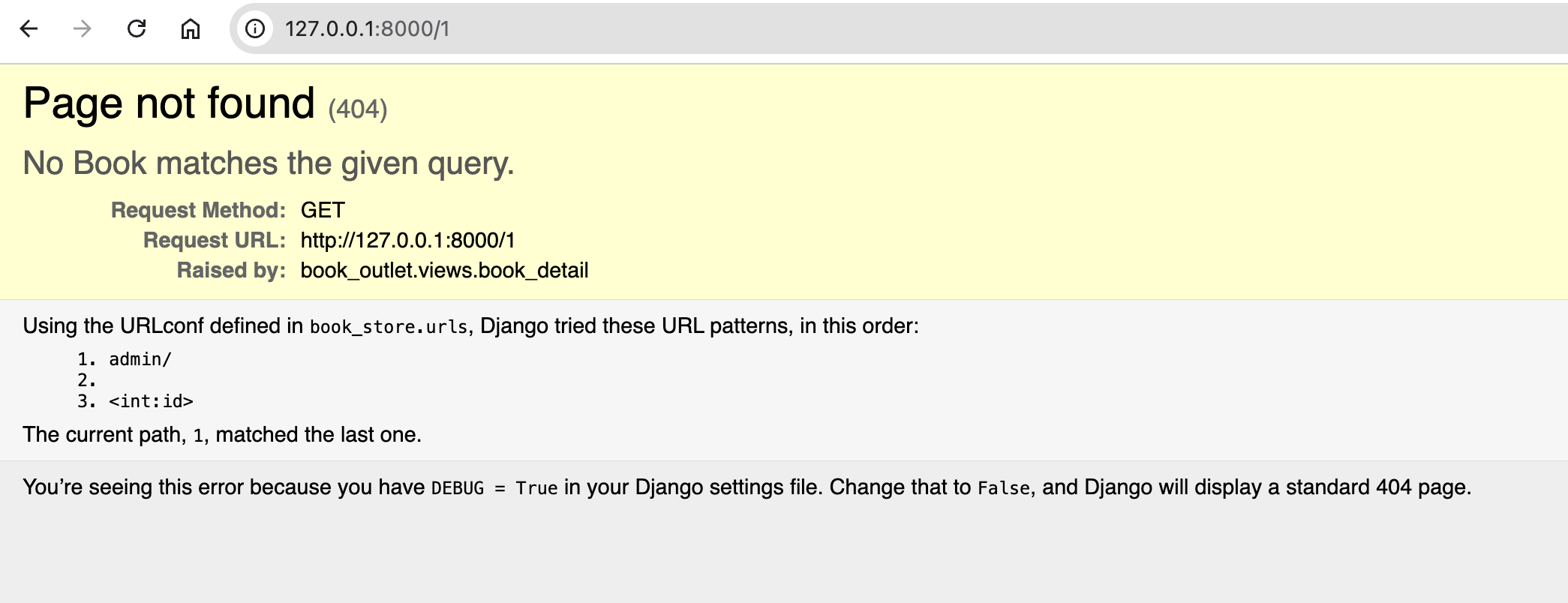
def book_detail(request, id):
    # try:
    #     book = Book.objects.get(pk=id)
    # except:
    #     raise Http404()
    book = get_object_or_404(Book, pk=id) # 위와 같은 방법.. 404 page 생성
    return render(request, "book_outlet/book_detail.html", {
        "title": book.title,
        "author": book.author,
        "rating": book.rating,
        "is_bestseller": book.is_bestselling
    })
views.py
from django.urls import path

from . import views

urlpatterns = [
    path("", views.index),
    path("<int:id>", views.book_detail)
]
book_outlet/urls.py
"""
URL configuration for book_store project.

The `urlpatterns` list routes URLs to views. For more information please see:
    https://docs.djangoproject.com/en/5.2/topics/http/urls/
Examples:
Function views
    1. Add an import:  from my_app import views
    2. Add a URL to urlpatterns:  path('', views.home, name='home')
Class-based views
    1. Add an import:  from other_app.views import Home
    2. Add a URL to urlpatterns:  path('', Home.as_view(), name='home')
Including another URLconf
    1. Import the include() function: from django.urls import include, path
    2. Add a URL to urlpatterns:  path('blog/', include('blog.urls'))
"""
from django.contrib import admin
from django.urls import path, include

urlpatterns = [
    path('admin/', admin.site.urls),
    path("", include("book_outlet.urls"))
]
book_store/urls.py
{% extends "book_outlet/base.html" %}

{% block title %}
    {{ title }}
{% endblock%}

{% block content %}
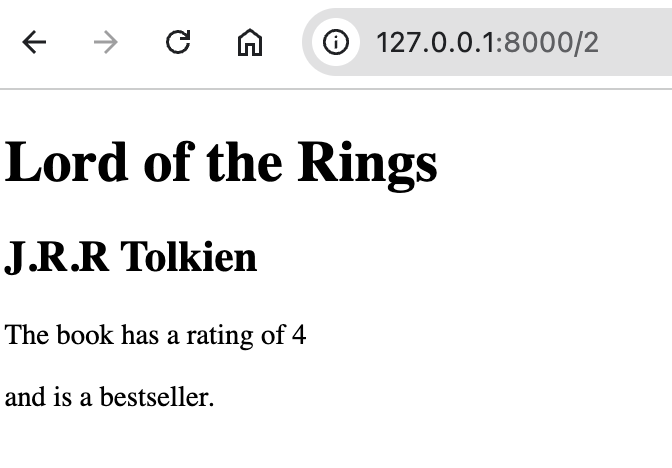
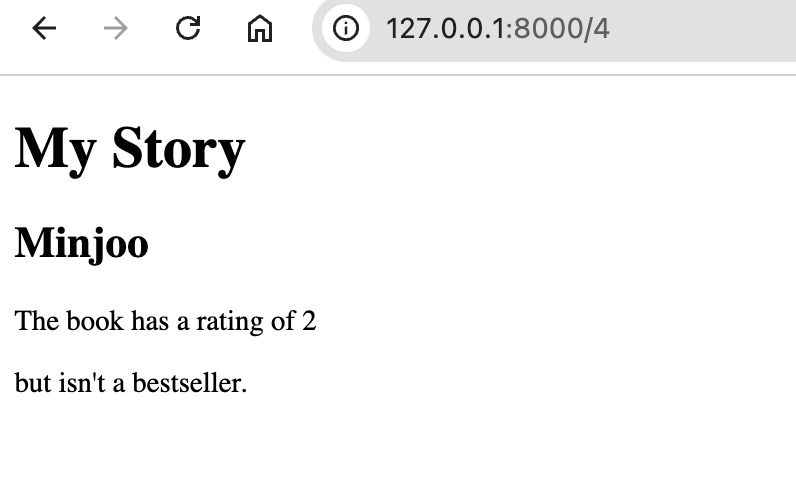
    <h1>{{ title }}</h1>
    <h2>{{ author }}</h2>
    <p>The book has a rating of {{ rating }}</p>

    {% if is_bestseller %}
        and is a bestseller.
    {% else %}
        but isn't a bestseller.
    {% endif %}
{% endblock %}
book_outlet/templates/book_outlet/book_detail.html
<!DOCTYPE html>
<html lang="en">
<head>
    <meta charset="UTF-8">
    <meta name="viewport" content="width=device-width, initial-scale=1.0">
    <title>{% block title %}{% endblock %}</title>
</head>
<body>
    {% block content %}
    {% endblock %}
</body>
</html>
book_outlet/templates/book_outlet/base.html
'Programming > Django' 카테고리의 다른 글
| [Python Django] The Practical Guide - Admin, Relationship (3) | 2025.07.23 |
|---|---|
| [Python Django] The Practical Guide - Data & Models (3) (3) | 2025.07.22 |
| [Python Django] The Practical Guide - Data & Models (4) | 2025.07.22 |
| [Python Django - The Practical Guide] 장고로 블로그 만들기 프로젝트 (기초) (7) | 2025.07.21 |
| [Django] 2. URLs & Views 핵심 요약 (0) | 2025.07.20 |

